.jpeg "Featured Image")



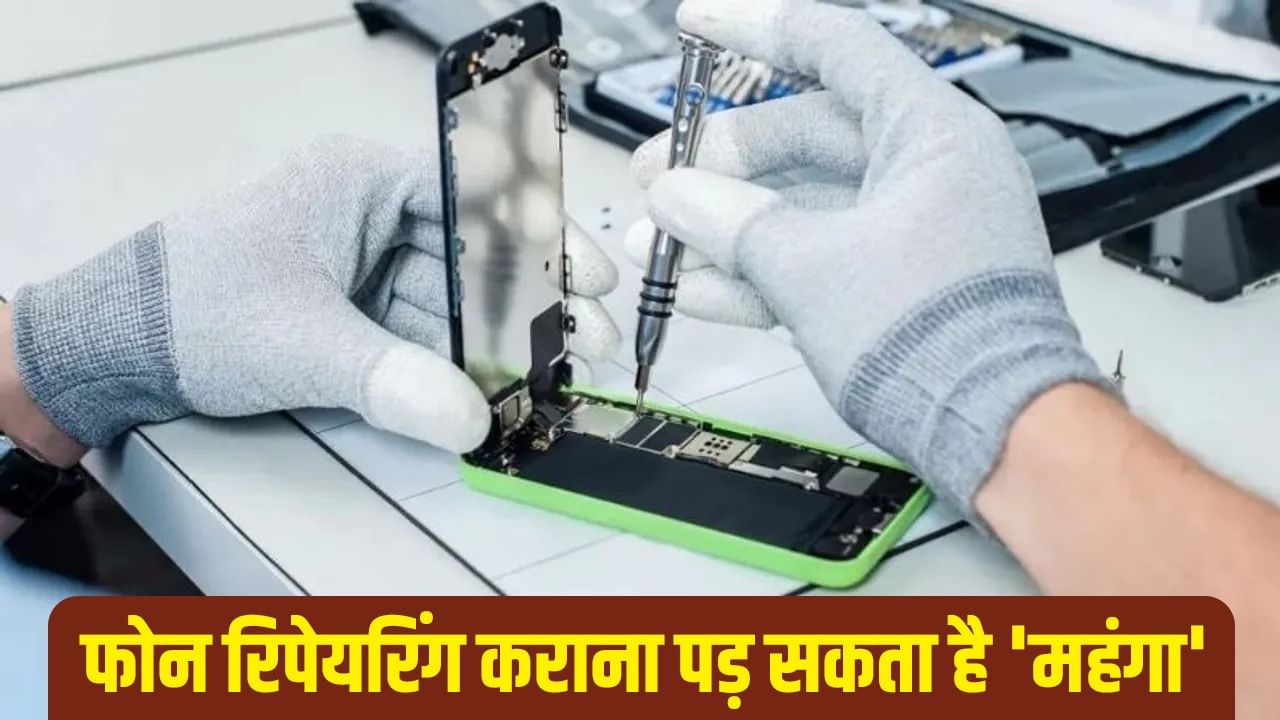
People often send their phones to repair centers when they break or malfunction, but they sometimes make mistakes that can cause trouble. Recently, a woman in Kolkata experienced a situation that you might already know about. The woman alleges that the repair center leaked some private videos.
What happened to this woman could happen to you, so there are some precautions to take before giving your phone to a repair center if it breaks.
**Use the Smartphone’s Built-in Features**
Before sending your phone for repair, there are some essential steps to take. Most smartphones now have a useful feature to protect against unauthorized access, which varies by smartphone brand. Samsung and OnePlus offer this feature as ‘Maintenance mode,’ while Apple iPhones have it as ‘Repair state.’
Google Pixel smartphones offer this feature as ‘Repair mode.’ These modes can be accessed through the phone’s settings. To find this feature, you can open your phone’s settings and search for the feature’s name in the search bar. Note that this method will only work if your phone is still functional after the damage.
* **Back up and reset:** If the phone is on, save data to the cloud or a laptop, or be sure to factory reset the phone before giving it for repair.
* **Remove SIM and memory card:** Before giving the phone for repair, make sure you have removed the SIM card and memory card from the phone.
* **Use secure folder:** Most smartphones offer the facility to lock and hide private photos and files; you can also use this feature.